



Right on the Home Screen
Add the widget and show a card at checkout without opening the app.
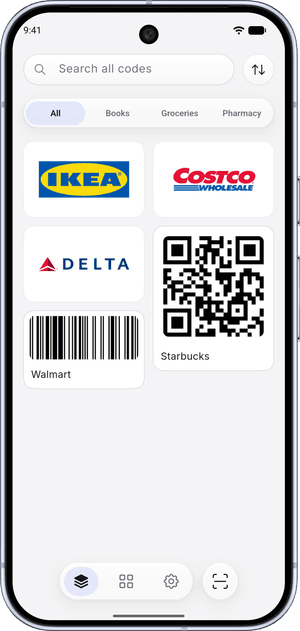
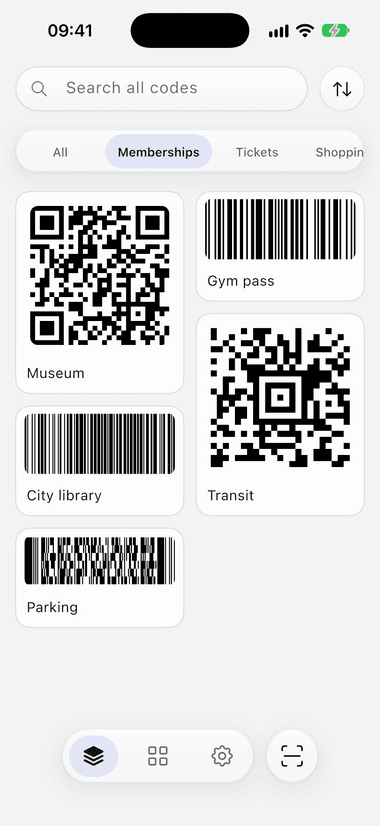
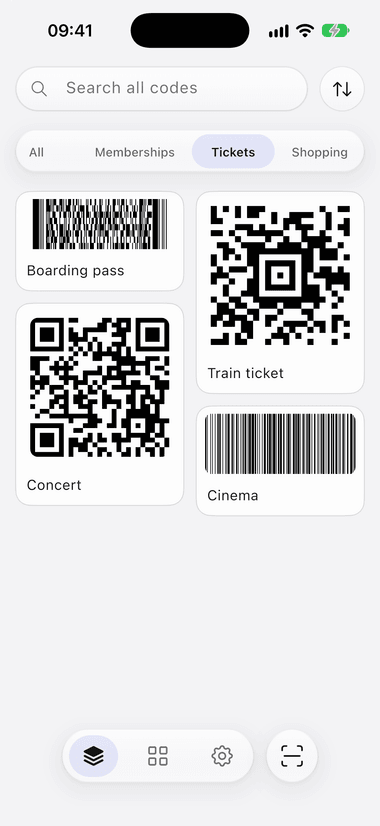
ScanKeeper turns plastic loyalty cards and forgotten screenshots into one tidy, offline wallet. Scan a code, import it from Photos, and pull it up in seconds.
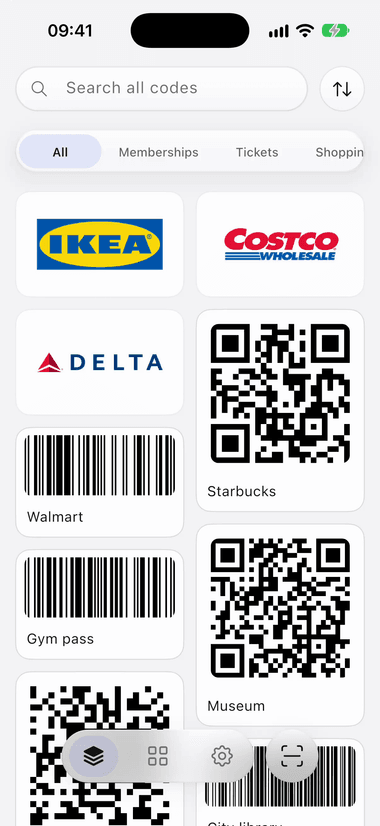
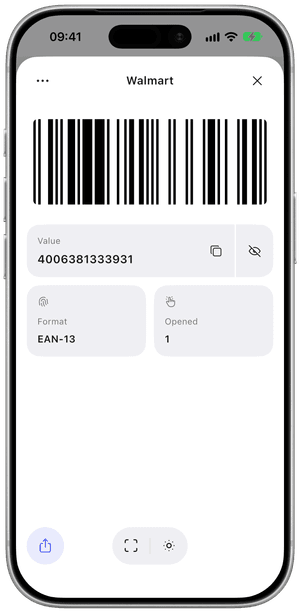
QR, EAN, UPC, PDF417, Aztec, Data Matrix, Code 128 and more.
Import a Wallet pass, a PDF ticket or a photo, and ScanKeeper pulls out the code.
Add the widget and show a card at checkout without opening the app.
Pin a store to a card. When you're nearby, it moves to the top and lights up.
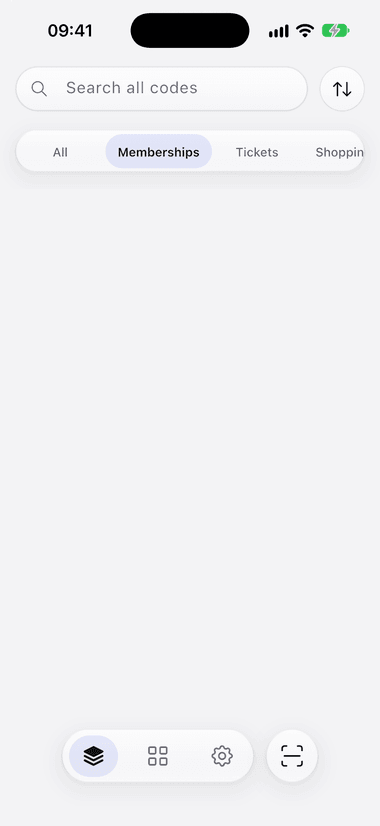
Give a card an expiry date. The Expiring tab shows what runs out soon, and old codes move to Archive.
Pick up to 50 photos or a PDF from your library. ScanKeeper finds the codes right on your device.
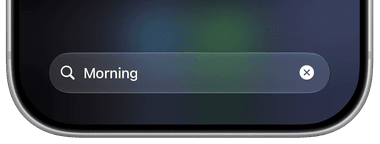
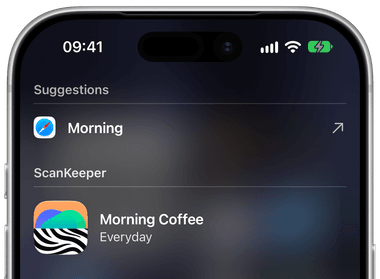
Get the appSwipe down on your iPhone's Home Screen and type a card's name. It opens right in ScanKeeper.
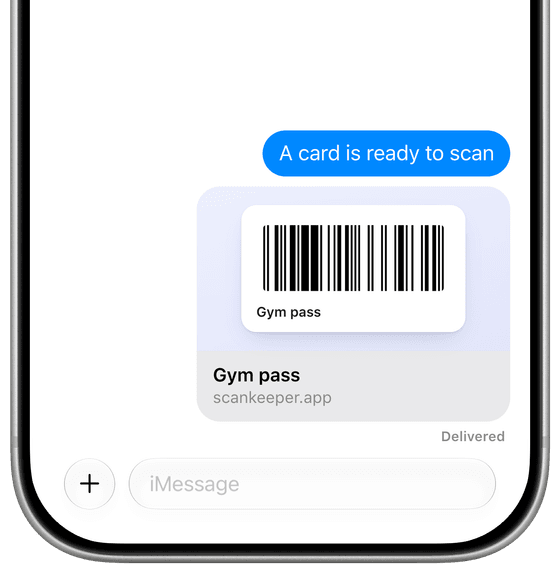
Send a card as a link. It opens on their phone and saves with one tap.
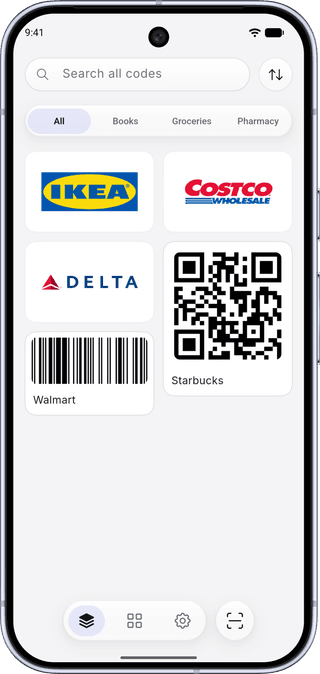
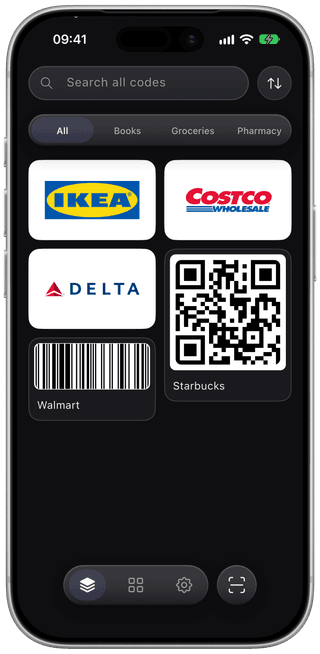
Follows your phone's theme, on iOS and Android alike.
What each wallet accepts, and where the rest of your cards can live.
Move supported cards without adding another account.
Keep a collection of cards without handing over an email address.
For store, club, membership, and reward cards.
Use codes from screenshots and your photo library.
Still need help? Visit support.
Yes. Scanning, saving, organizing, and displaying saved QR codes and barcodes work offline. Your saved codes remain available when a store or venue has poor reception.
No. ScanKeeper does not require an account, email address, or sign-up to use the app.
Yes. Scanning, saving unlimited cards, importing from Photos, full-screen codes, themes, and offline access are free. ScanKeeper Premium is an optional upgrade that adds folders, collection search, home screen widgets, and CSV export.
No. ScanKeeper contains no ads and no advertising SDKs, it never reads your advertising identifier, and it never shows a tracking prompt. That is true of the free app, not only of Premium.
Yes. Choose a photo or screenshot from your gallery and ScanKeeper can detect the QR code or barcode inside it. You can also select up to 50 images for bulk import.
ScanKeeper supports common formats including QR Code, EAN, UPC, Code 128, Code 39, PDF417, Data Matrix, and Aztec.
Yes. ScanKeeper is available on the Apple App Store for iPhone and iPad, and on Google Play for Android devices.
Your barcode content is stored locally in the app on your device. On iPhone and iPad, you can optionally enable iCloud sync for your own devices.